
Managing Your Collection
Your collection is the heart of MTG Rack. Every card you own lives here with full metadata — quantity, condition, foil status, acquisition price, and current market value. Whether you need an insurance record, a quick way to check if you already own a card before buying, or a real-time portfolio tracker, the collection view has you covered.
Why Track Your Collection Digitally?
Physical card collections can be worth thousands of dollars, yet most players have no precise record of what they own. A digital catalog solves several problems at once: you get an always-current valuation for insurance purposes, you can instantly look up whether you already own a card before purchasing a duplicate, you have a shareable trade list, and you can spot price spikes in cards you own before the market moves on.
Adding Cards
MTG Rack gives you four ways to add cards, depending on the situation:
What Gets Tracked
Each collection entry stores the following details. The more accurately you fill these in, the more precise your valuation and trade lists will be:
| Field | Description |
|---|---|
| Quantity | How many copies you own of this exact printing. |
| Foil status | Regular, foil, or etched foil. Foil and non-foil copies are tracked as separate entries with independent pricing. |
| Condition | Near Mint (NM), Lightly Played (LP), Moderately Played (MP), Heavily Played (HP), or Damaged (DMG). Condition directly affects resale value, so track it accurately. |
| Acquisition price | What you paid for the card (optional). This lets MTG Rack calculate your return on investment when comparing against current market prices. |
| Binder | Which binder the card belongs to, if any. Cards can exist in your collection without being assigned to a binder. |
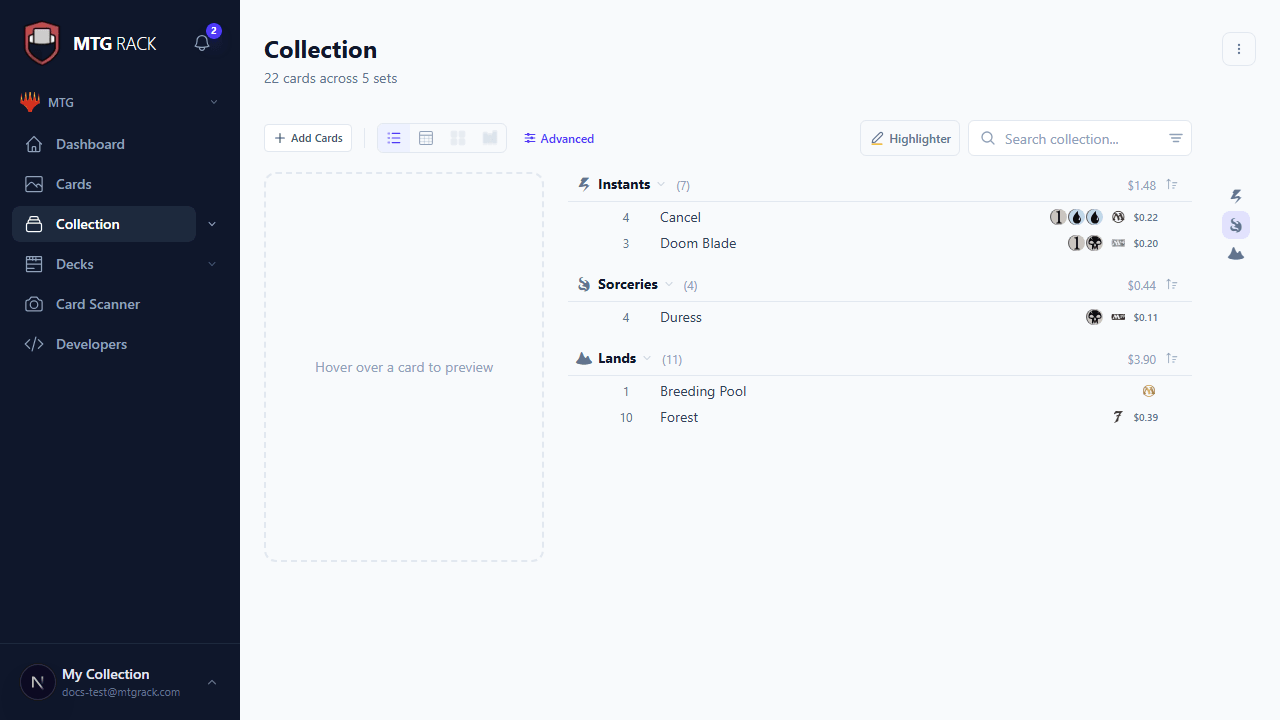
View Modes
The collection page offers four view modes. Switch between them using the view toggle in the toolbar — your preference is saved automatically:
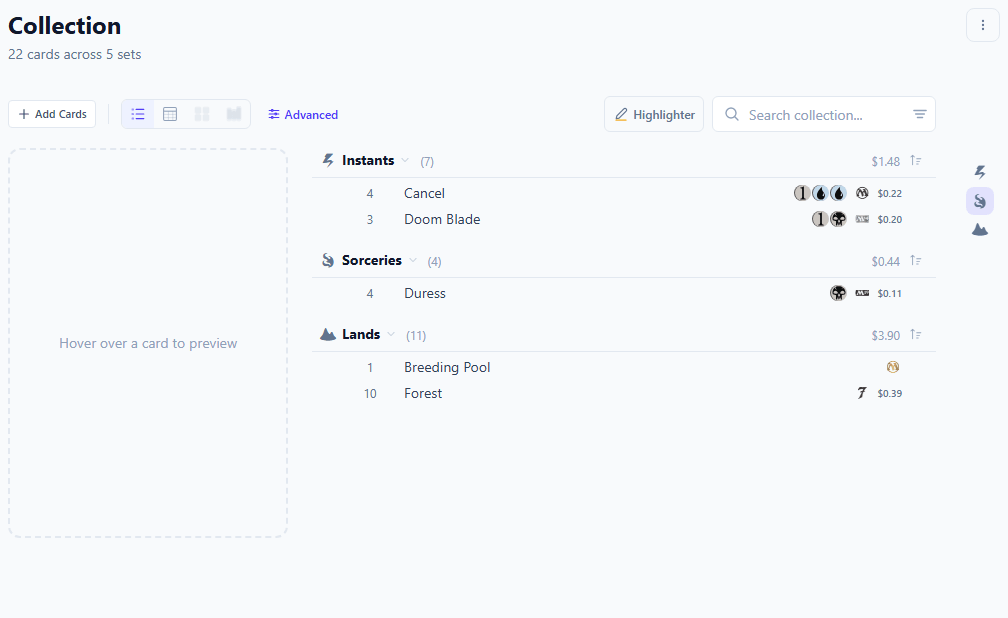
Filtering and Sorting
Use the filter bar above the collection to narrow down what you see. Filters can be combined freely — for example, show only red creatures from Modern Horizons 3 that are worth more than $5. Available filters include:
- Set — filter by expansion or product (e.g., Murders at Karlov Manor, Commander Masters)
- Color / Color Identity — filter by one or more colors, colorless, or multicolor
- Rarity — common, uncommon, rare, mythic rare, special
- Type — creature, instant, sorcery, artifact, enchantment, planeswalker, land, battle
- Price range — set a minimum and/or maximum market price
- Mana value — filter by converted mana cost
- Condition — show only cards in a specific condition grade
- Foil status — show only foil or only non-foil entries
Sorting works on any column in table view, or on any field in other views via the sort dropdown. You can sort by name, price (high to low or low to high), date added, set release date, mana value, or quantity.
Price Tracking
Market prices are pulled automatically from TCGplayer via Scryfall and updated daily. Each card shows its current market price for both regular and foil printings. Your dashboard aggregates these prices into a total collection value and displays it prominently. On paid plans, you also get historical price charts and portfolio trend analytics — see Analytics for details.
Condition Matters
Deep Dive Guides
The collection system has many more features covered in dedicated guides:
View Modes
Table, grid, stacks, condensed, and text list views with grouping options
Search & Filters
Advanced filtering by color, rarity, type, price, set, and format legality
History & Activity
Activity log with heatmap, undo support, and per-action filtering
Tags & Sections
Custom tags, sections, context menus, and organizational tools
Printing Cards
Print your collection or binders in multiple customizable layouts