
Wishlist
The wishlist is your personal shopping list for cards you want to acquire. Whether you are hunting for the last few pieces of a Commander deck, monitoring prices for a card you plan to buy at the right moment, or building a list to bring to your next LGS visit, the wishlist keeps everything organized with priority levels, price tracking, and quantity management so you never forget what you are looking for.
Adding Cards to Your Wishlist
You can add cards to your wishlist from several places throughout the app:
- From the card database — browse or search the Card Database and click the wishlist icon on any card to add it. You can choose a specific printing and set before adding.
- From deck editing — while building a deck, right-click any card you do not own and select Add to Wishlist. This is especially useful when theorycrafting a deck and flagging the cards you still need to purchase.
- From recommendations — when browsing EDHREC recommendations, you can wishlist suggested cards directly from the recommendation panel.
- From the wishlist page itself — use the search bar at the top of the wishlist page to find any card in the Scryfall database and add it directly.
Wishlist Display
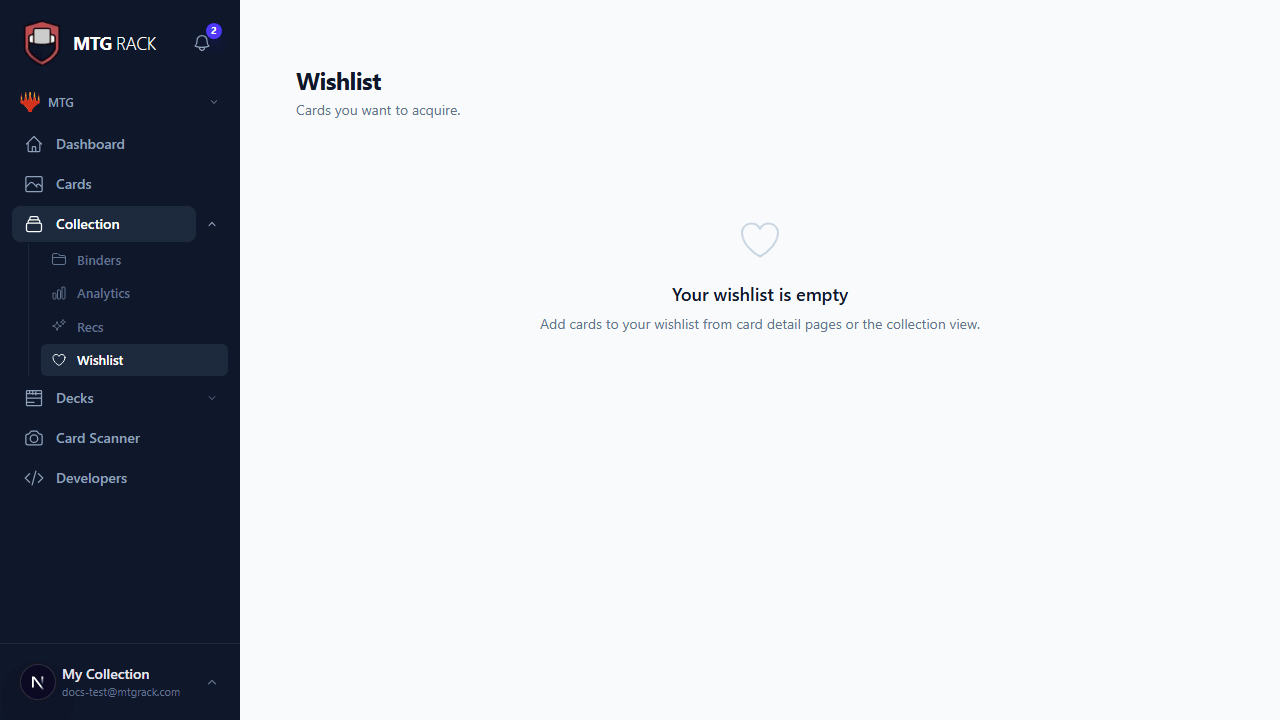
The wishlist page displays your wanted cards in a clean list format. Each entry shows the card image thumbnail, card name, set and printing, mana cost rendered with color symbols, current market price, quantity desired, and the priority level badge. At the top of the page, summary statistics give you a quick snapshot: the total number of cards on your wishlist and the total estimated value of all wishlist items combined, so you always know how much your shopping list would cost.
Priority Levels
Every wishlist entry has a priority level that helps you focus on the most important acquisitions first. There are three priority tiers:
| Priority | Color | When To Use |
|---|---|---|
| Normal | Gray | The default priority for cards you want but are not in a rush to acquire. These are cards you will pick up when the opportunity arises or the price is right. |
| High | Amber | Cards you are actively seeking. These might be key pieces for a deck you are building or cards you want to grab before a predicted price increase. |
| Urgent | Red | Cards you need as soon as possible. Use this for cards required for an upcoming tournament, time-sensitive purchases, or cards that are rapidly increasing in price. |
Updating Priority Inline
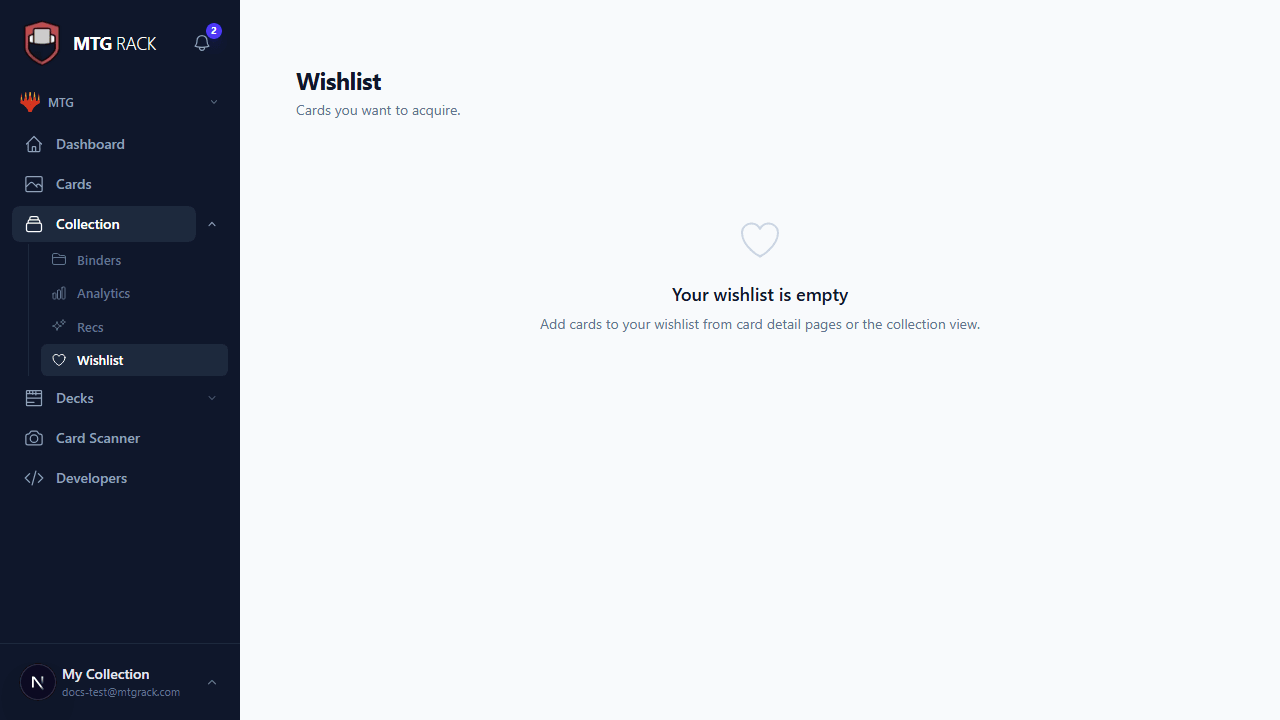
You can change a card's priority level directly from the wishlist view without opening a separate editor. Click the priority badge next to any card and a dropdown appears with the three options: Normal, High, and Urgent. Select the new priority and the change saves instantly. This makes it fast to triage your wishlist as your needs change — for example, bumping a card to Urgent when you find out your next Commander night is sooner than expected.
Sorting Options
The wishlist supports several sort modes to help you view your cards in the order that matters most:
| Sort By | Description |
|---|---|
| Date added | The default sort, showing the most recently added cards first. Useful for keeping track of what you just added. |
| Card name (A-Z) | Alphabetical sorting for when you need to quickly find a specific card in a long list. |
| Price (high to low) | Sorts by current market price descending, so your most expensive targets appear at the top. This helps you prioritize budget allocation and decide which big purchases to make first. |
Combine with Priorities
Summary Statistics
The top of the wishlist page displays two key metrics:
- Total cards — the number of distinct cards currently on your wishlist, factoring in quantity. If you want three copies of a card, it counts as three toward the total.
- Total wishlist value — the sum of current market prices for all wishlist entries multiplied by their quantities. This gives you a realistic estimate of how much it would cost to acquire everything on your list at today's prices.
These statistics update in real time as you add or remove cards, change quantities, or as market prices fluctuate with daily updates.
Quantity Tracking
Each wishlist entry tracks the quantity you want to acquire. This is particularly useful when you need playsets (four copies for constructed formats) or when tracking cards across multiple sets or printings. Adjust the quantity using the + and - buttons on each entry. The total wishlist value calculation multiplies each card's price by its desired quantity, so your budget estimate is always accurate.
Use Cases
The wishlist is flexible enough to serve several different purposes depending on your needs:
- Tracking cards to buy — the most straightforward use. Build your shopping list before heading to your LGS, a GP vendor hall, or an online store. Sort by price to budget your purchases and use priorities to decide what to buy first if funds are limited.
- Monitoring prices — add cards you are interested in but waiting for a price drop. Check back periodically to see if the market has moved in your favor. Combine with price alerts to get notified automatically when a wishlisted card drops below your target price.
- Deck planning — when building a new deck, add all the cards you do not own to your wishlist. The total value tells you how much the missing pieces will cost, and you can mark the most critical cards as Urgent.
- Trade targeting — mark cards you want to trade for so you know exactly what to look for when browsing someone else's trade binder.
Wishlist vs. Maybeboard