
Import & Export
MTG Rack supports bulk importing cards from CSV files, text lists, and exports from popular tools like Moxfield and Archidekt. You can also export your collection or decks in multiple formats so your data is never locked in. Whether you are migrating from another platform or backing up your data, the import/export system handles it.
Importing Cards
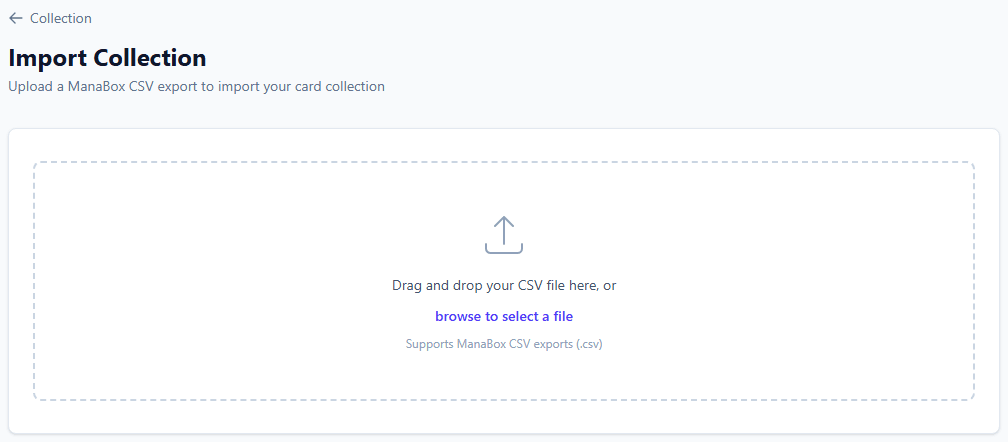
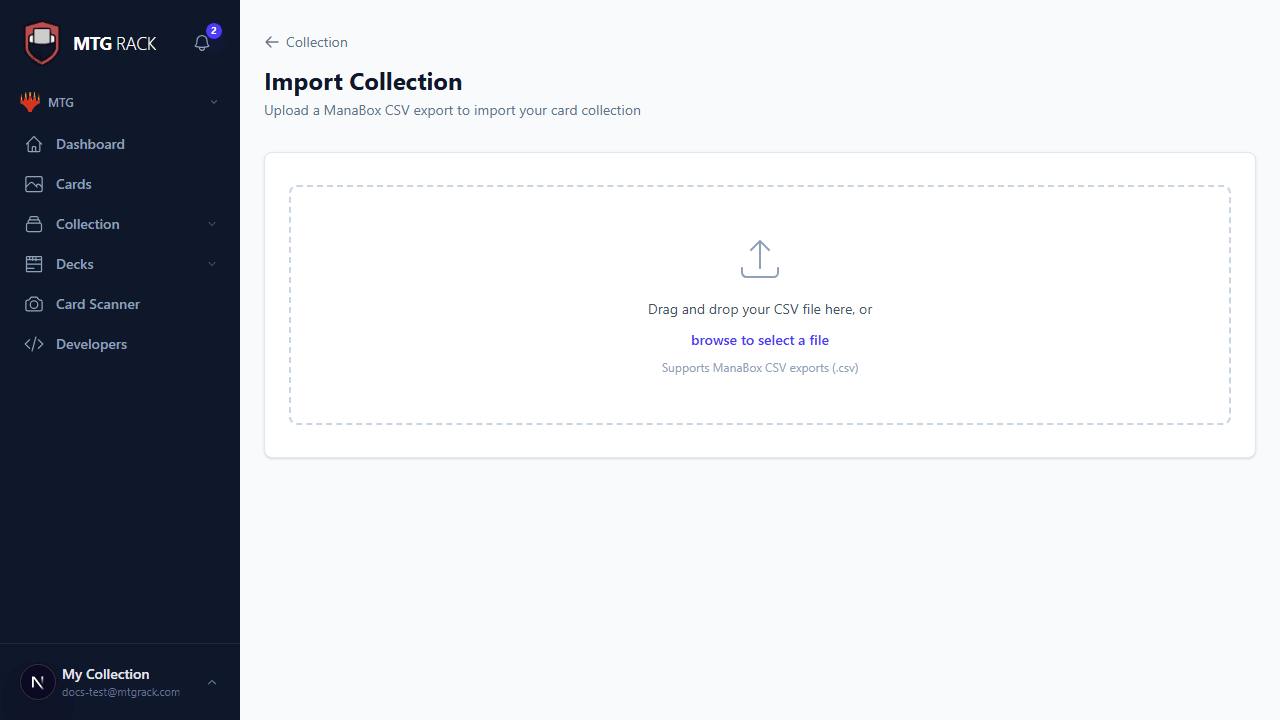
Go to Collection → Import in the sidebar to get started. MTG Rack accepts three input formats:
Upload a .csv file with your card data. The importer auto-detects common column headers from Moxfield, Archidekt, Deckbox, and TCGplayer exports, so in most cases you can upload directly without any modification. If your CSV uses custom column names, you will be prompted to map them during import. The following columns are recognized:
nameorName— the card name (required)set_code,Set Code, orEdition— the three-letter set code (e.g., MKM, MH3)quantity,Count, orQty— number of copies (defaults to 1 if omitted)foilorFoil— "true", "foil", or "yes" to mark as foilconditionorCondition— NM, LP, MP, HP, or DMGcollector_numberorCollector Number— for exact printing resolutionpurchase_priceorPurchase Price— what you paid per copy
Paste a plain-text decklist in the standard format that most MTG communities use. Each line should contain a quantity followed by the card name. Set codes and collector numbers are optional but help with exact printing resolution:
4 Lightning Bolt
2 Counterspell
1 Sheoldred, the Apocalypse
3 Fatal Push (KLR) 84
1 Arid Mesa (MH2) *F*
Export your collection or deck from Moxfield, Archidekt, or Deckbox as a CSV and upload it directly. MTG Rack recognizes the specific column layouts these platforms use and maps all fields automatically, including set, printing, foil status, and condition.
Handling Duplicates and Conflicts
When importing cards that already exist in your collection, you have three options available in the import settings:
Add (default) — the imported quantity is added to the existing quantity. If you own 2 copies and import 3, you will have 5.
Replace — the existing entry is overwritten with the imported data. Use this when re-importing a corrected export.
Skip — cards that already exist in your collection are ignored. Only new cards are imported.
Card Name Matching
Exporting Your Data
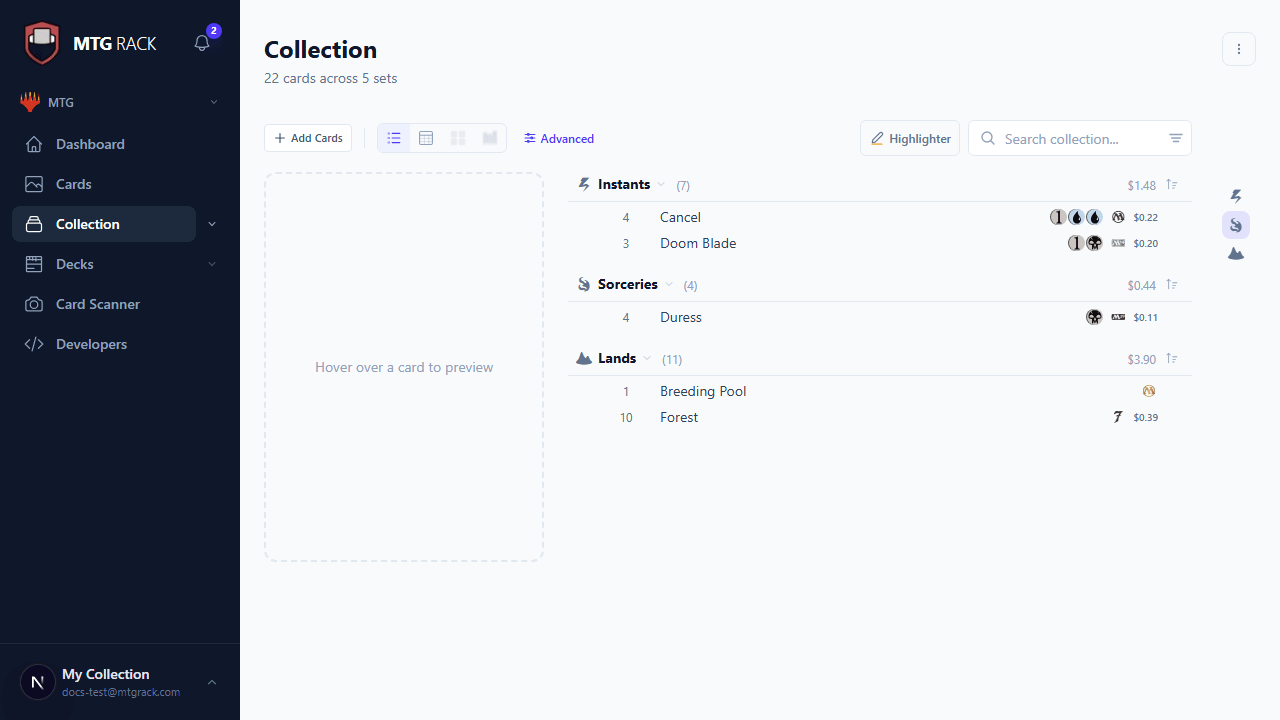
You can export your entire collection, individual binders, or specific decks. Open the page for what you want to export and use the overflow menu (three dots) to find export options. Available formats include:
A full data export with all fields (name, set, quantity, foil, condition, price, date added). Compatible with spreadsheets and other collection tools. This is the best format for backups or migration to another platform.
A simple "quantity + name" format suitable for sharing decklists in forums, Discord, or chat. Does not include metadata like condition or foil status.
Structured data export with full card details, including Scryfall IDs and pricing data. Best for programmatic use in scripts or custom tools.
Formatted for import into Magic: The Gathering Online. Includes mainboard and sideboard sections.
Exporting Your Entire Collection vs. a Single Deck
Collection exports include every card you own with all metadata. This file can be large if your collection has thousands of entries. Deck exports include only the cards in that specific deck, organized by section (mainboard, sideboard, maybeboard). Both export types support all four formats listed above.
Import Troubleshooting
After an import completes, the importer shows a summary: how many cards were successfully imported, how many were duplicates (handled per your setting), and how many failed to match. Common causes of failed matches include:
- Misspelled card names or extra whitespace
- Incorrect or outdated set codes
- Cards from very new sets that have not yet been indexed by Scryfall
- Using a promotional printing code that differs from the main set code
You can download the list of failed rows as a CSV, correct the issues, and re-import. For persistent problems, check the Troubleshooting guide or reach out via the support chat.