
Billing & Plans
MTG Rack offers four subscription tiers designed to match how seriously you collect. Every account starts on the Free tier with enough features to catalog and manage a full collection. Paid tiers unlock deeper analytics, more decks, automatic backups, and developer API access. This guide explains what each tier includes, how billing works, and how to manage your subscription.
Tier Overview
MTG Rack has four tiers. Each tier builds on the previous one — when you upgrade, you keep everything from the lower tier and gain additional capabilities.
The Free tier is designed so that every player can track their entire collection without paying a dime. It includes:
- Unlimited cards — add as many cards as you own, with no cap on collection size.
- Up to 50 decks — build and manage up to 50 decklists with full legality checks and mana curve analysis.
- Card scanner — scan physical cards with your camera, limited to 10 scans per day.
- Current market prices — every card displays its up-to-date TCGplayer market price.
- Basic views — access all five view modes (Table, Grid, Stacks, Condensed, Gallery) for browsing your collection.
- Manual backups — create one manual backup per day.
The Rare tier is for collectors who want more history and automation. Everything in Free, plus:
- 90-day price history — view price trend charts going back 90 days for any card in your collection.
- Daily automatic backups — your data is backed up automatically every day, in addition to unlimited manual backups.
- More decks — the deck limit increases to 200, giving you room for multiple formats and brew experiments.
- Increased scanner quota — scan up to 50 cards per day.
- Priority search — faster search indexing so your collection queries return results more quickly.
The Mythic tier is built for serious collectors and power users who need the deepest insights and full programmatic access. Everything in Rare, plus:
- Unlimited price history — view price charts going back to the day you added a card, with no time limit.
- Unlimited decks — no cap on the number of decklists you can create.
- Developer API access — full access to the MTG Rack API for building custom integrations, Discord bots, spreadsheets, and automations.
- Price history & analytics — portfolio trend charts, top movers, ROI tracking, and collection breakdown analytics. See Analytics & Pricing for details.
- Advanced features — custom art gallery, advanced filtering operators, bulk editing tools, and CSV export with full metadata.
- Unlimited scanner — no daily cap on card scans.
The Unlimited tier includes everything in Mythic, plus premium support and early access:
- Priority support — your support tickets are handled first, with a guaranteed response time of 24 hours on business days.
- Early access — get new features before they roll out to other tiers.
- Extended API rate limits — higher rate limits for API calls, suitable for high-volume integrations. See Rate Limits for specifics.
No Feature Lock-In
Subscription Management
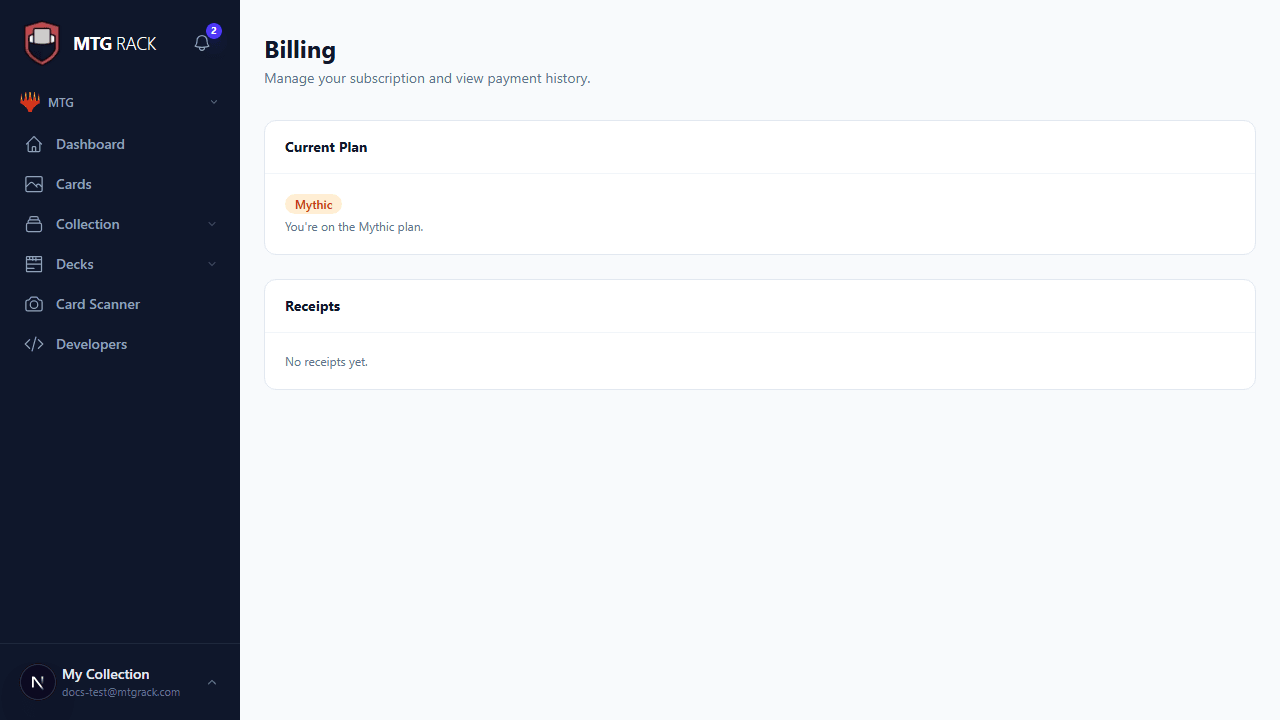
Navigate to /account and click Manage Subscription, or go directly to the billing section from the sidebar. The billing overview shows:
- Current plan — your active tier and whether you are on a monthly or yearly billing cycle.
- Payment method — the card on file (last four digits, expiration date, and card brand). You can update your payment method at any time through the Stripe billing portal.
- Next billing date — when your subscription will renew and the amount that will be charged.
- Referral credit — any accumulated credit from referrals that will be applied to your next charge. See the Account & Settings page for details on the referral program.

Upgrading Your Plan
Click Upgrade on the billing page to see available plans. When you upgrade mid-cycle, you are charged a prorated amount for the remainder of your current billing period. The new tier's features activate immediately — there is no waiting period. You can upgrade from any tier to any higher tier at any time.
Downgrading Your Plan
Click Change Plan and select a lower tier. Downgrades take effect at the end of your current billing period — you continue to have access to your current tier's features until the period expires. If your deck count exceeds the new tier's limit, your existing decks are preserved but you cannot create new ones until you are below the limit.
Canceling Your Subscription
You can cancel your subscription at any time from the billing page. When you cancel, your paid features remain active until the end of the current billing period. After that, your account reverts to the Free tier. Your collection data, binders, and decks (up to the Free limit) are preserved — nothing is deleted when you cancel.
Reactivating After Cancellation
Pricing & Payment
MTG Rack uses Stripe for all payment processing. Your credit card details are handled entirely by Stripe and never touch MTG Rack's servers. Two billing intervals are available:
- Monthly — pay month-to-month with the flexibility to cancel or change plans at any time.
- Yearly — pay upfront for 12 months and receive a discount (typically two months free compared to monthly billing). The yearly option is shown alongside the monthly price on the plan selection page.
You can switch between monthly and yearly billing at any time. Switching to yearly mid-cycle credits the remaining value of your current monthly period toward the annual price. Switching from yearly to monthly takes effect when your annual period expires.
Invoice History
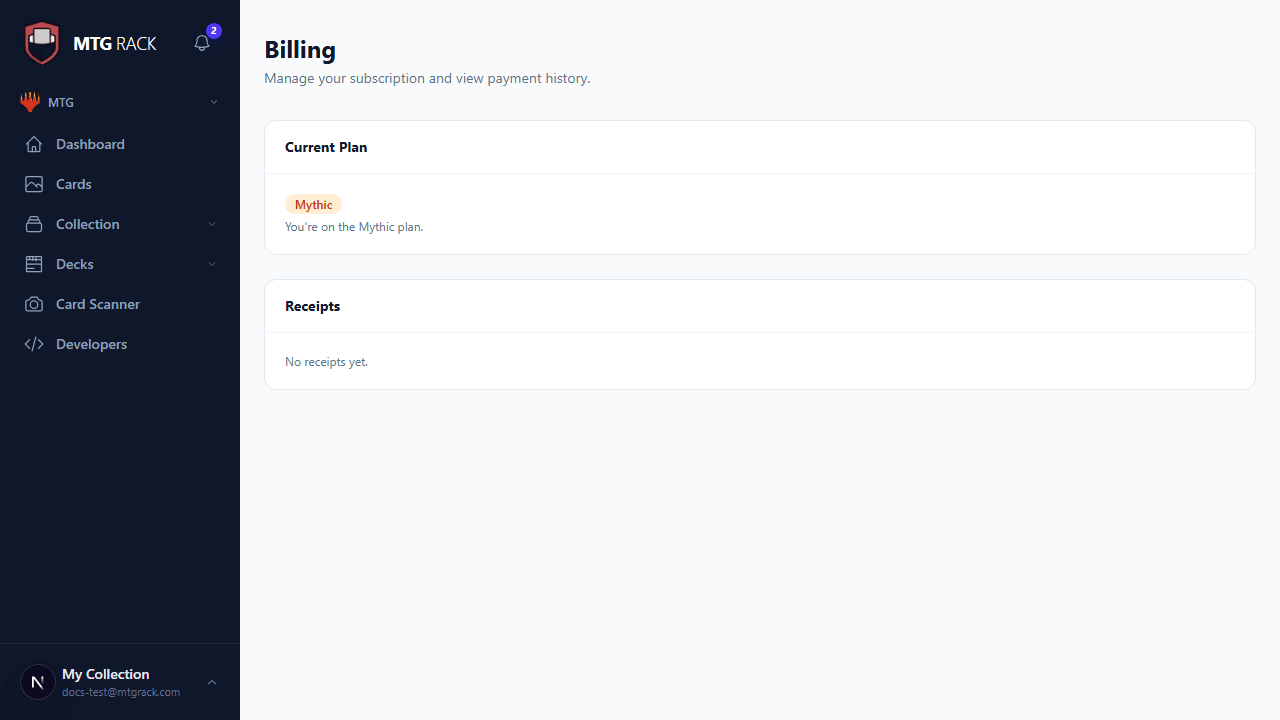
Every payment generates an invoice that is stored in your billing history. The invoice list shows:
- Invoice date — when the charge was processed.
- Amount — the total charged, including any prorations or credits applied.
- Status — paid, pending, or failed.
- PDF download — click the download icon next to any invoice to get a PDF suitable for expense reports, tax records, or reimbursement claims.
Invoices are retained indefinitely and are always accessible from the billing page, even if you downgrade to the Free tier.
Upcoming Invoice Preview
Below your invoice history, MTG Rack shows a preview of your next invoice. This preview includes the charge amount, the billing date, any prorated adjustments from mid-cycle plan changes, and any referral credits that will be applied. The preview updates in real time as you make changes to your plan, so you always know exactly what you will be charged before it happens.
Subscription Status Indicators
Your subscription can be in one of four states, each shown with a distinct badge on the billing page:
| Status | Description | What Happens |
|---|---|---|
| Active | Your subscription is current and all tier features are available. | This is the normal state for a paying subscriber. |
| Trialing | You are in a free trial period. All features of the trial tier are available. | The trial end date is displayed so you know when billing will begin. |
| Past Due | A payment attempt failed (expired card, insufficient funds, etc.). | MTG Rack retries the charge automatically. Your features remain active during the retry window, but if the charge continues to fail, your account will be downgraded to Free. Update your payment method to resolve this. |
| Canceled | You have canceled your subscription. | Your paid features remain active until the end of the current billing period, after which your account reverts to Free. |
Payment Failure Notifications
Stripe Billing Portal
For advanced billing management, click Open Billing Portal on the billing page. This opens Stripe's hosted customer portal where you can:
- Update your credit or debit card details.
- Switch between payment methods if you have multiple cards on file.
- View and download all historical invoices.
- Update your billing address for invoice purposes.
- Cancel or modify your subscription directly through Stripe.
Changes made in the Stripe portal are reflected in MTG Rack immediately. The portal is hosted entirely by Stripe and secured with their PCI DSS Level 1 compliance, ensuring your payment information is handled with the highest level of security.
Secure Payments